How to Colorize Old Family Christmas Pictures in Seconds with Imagecolorizer

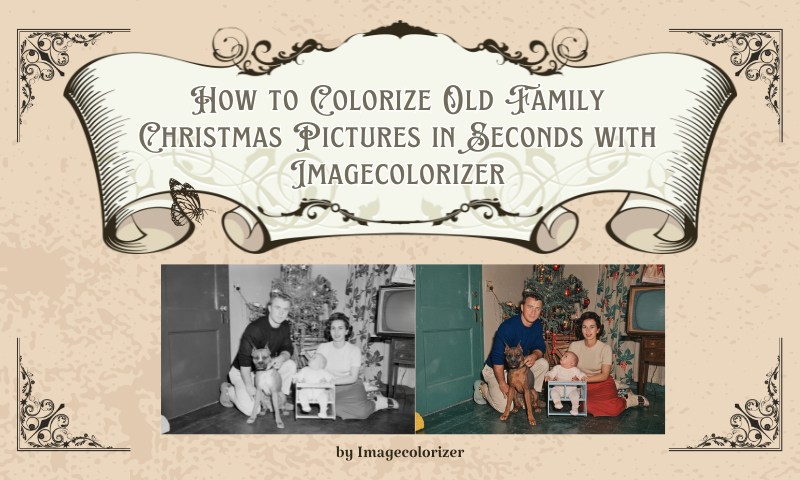
There's something magical about old family Christmas pictures — the soft glow of string lights, the warmth of the fireplace, the shy childhood smiles, and outfits our parents swear were fashionable at the time. Yet many of these moments live only in faded black-and-white, tucked away in albums or shoeboxes.
Today, you can bring these moments back to life — in full, breathtaking color — and you can do it in seconds.
Colorizing old family Christmas photos isn't just an editing trick. It's a way to reconnect with your history, revive emotions that time has softened, and pass a richer legacy to the next generation. And thanks to AI technology, you don't need artistic skills or expensive software. Just a photo… and a moment of courage.
Why Colorizing Christmas Photos Matters Emotionally
Colorization touches the heart in a way few digital processes can. When we restore someone's Christmas picture:
- A grandmother's smile feels closer
- A childhood Christmas becomes vivid again
- Forgotten details—wrapping paper, pajamas, decorations—come alive
- Generations reconnect in a single glance
Families often describe the feeling as:
- "Like stepping back in time."
- "The closest I've felt to my grandparents in years."
- "It made everyone cry at Christmas dinner."
How AI Colorization Works
AI colorization tools rely on trained neural networks that analyze your black-and-white photo by detecting objects, identifying lighting, shadows, textures, and patterns, and then applying realistic color layers based on historical data.
They also enhance facial features with natural skin tones, resulting in a final image that feels modern, authentic, and emotionally rich. It's like handing your photo to a digital artist who specializes in Christmas nostalgia—only faster, easier, and far more affordable.
Imagecolorizer for Colorizing Vintage Christmas Photos
Imagecolorizer stands as one of the most convenient and reliable tools for reviving cherished Christmas memories. Leveraging advanced AI colorization technology, it restores black-and-white holiday photos to vibrant scenes by adding authentic skin tones, warm seasonal hues, and natural textures.
Whether revisiting childhood Christmas mornings or rediscovering decades-old family portraits, a single upload transforms faded images into vibrant, modern visual feasts. Simple to use, lightning-fast, and beginner-friendly, it's the ideal choice for preserving and reliving the magic of vintage Christmas moments.
How to Colorize Old Family Christmas Pictures in Seconds
- Step 1: Go to the Imagecolorizer homepage, upload the Christmas photo you want to colorize, and click "Start New Colorizer." Drag your photo into the box in the center of the page.
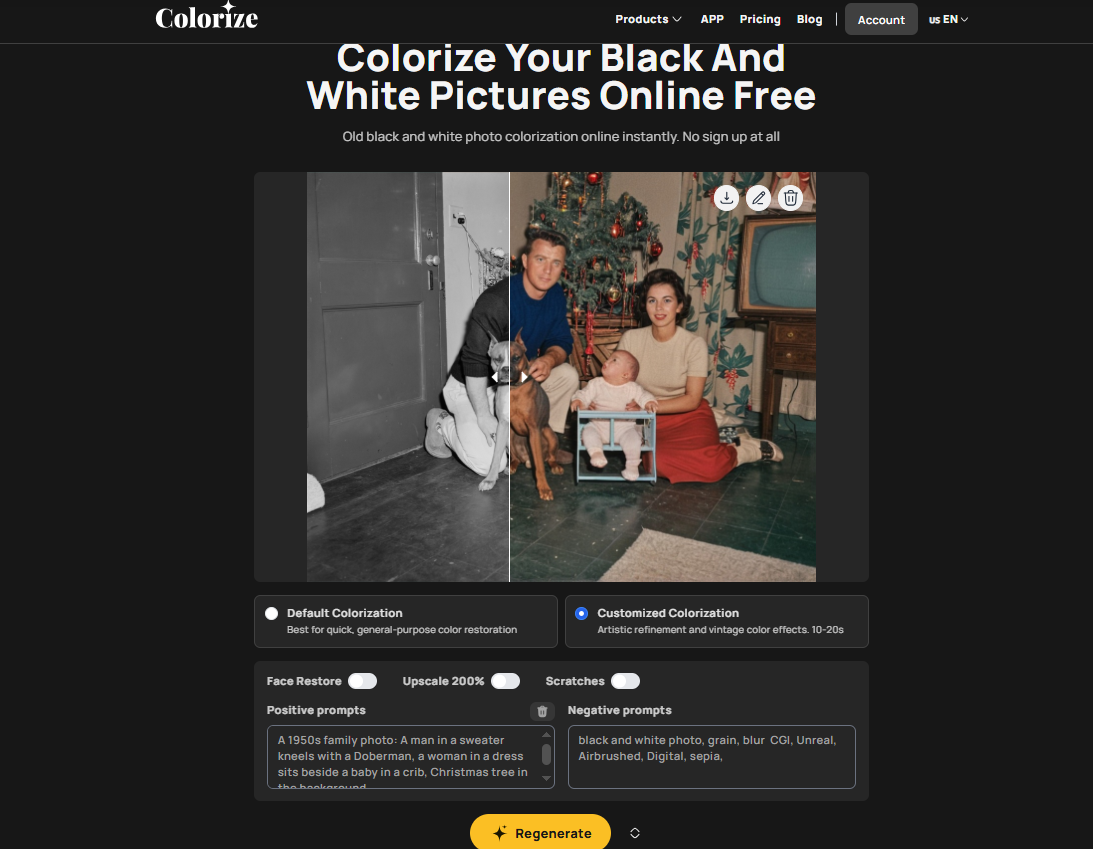
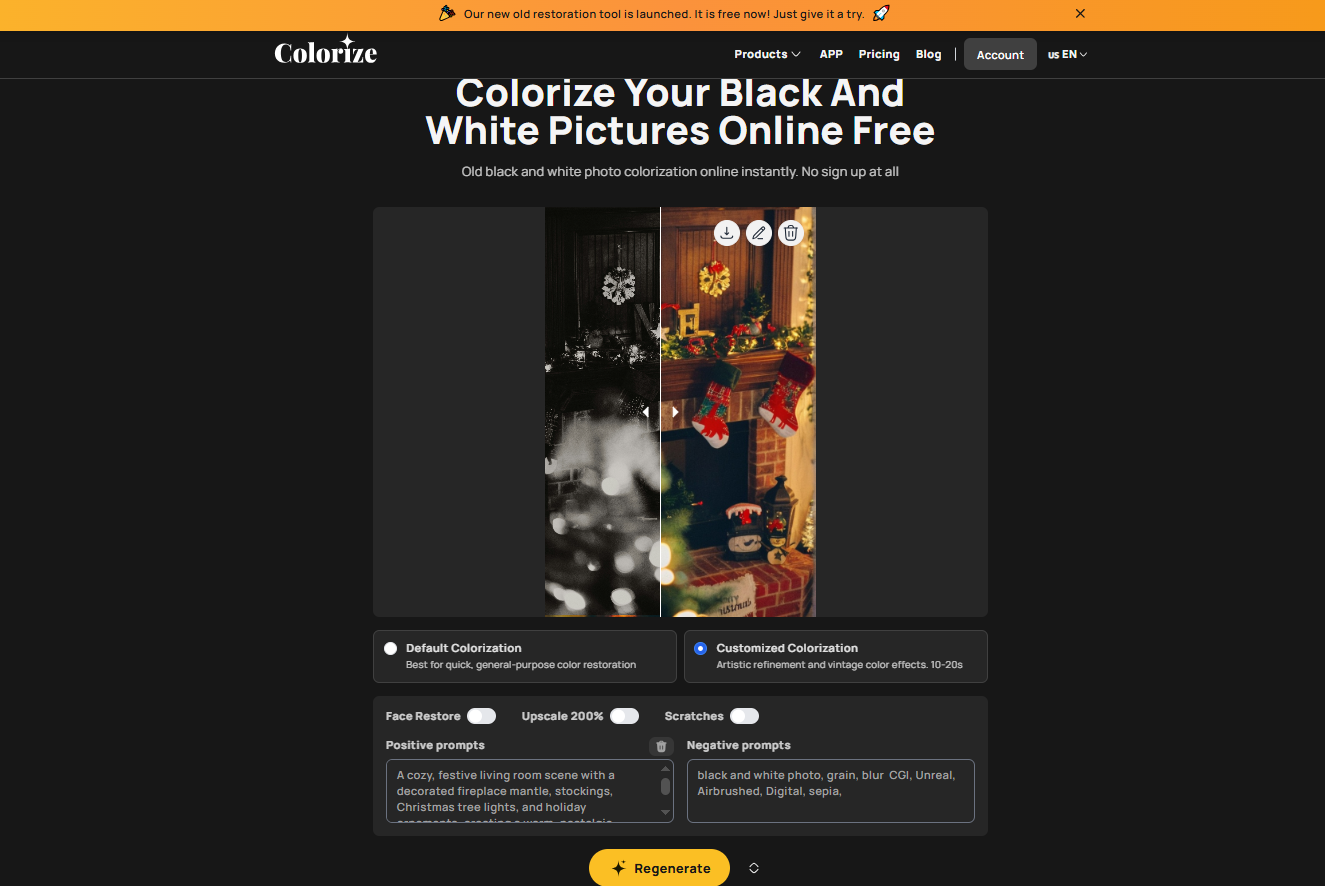
- Step 2: Choose your desired colorization mode: "Default Colorization" or "Customized Colorization." The difference is that "Customized Colorization" includes a Prompt box for adjustments.
- Step 3: Select "Default Colorization" and click "Upload & Start" to begin processing. If choosing "Customized Colorization," click "Generate Prompt" in the top-right corner of the "Positive Prompt" section, then click "Upload & Start."
- Step 4: Wait a few seconds for colorization to complete. Click the download icon in the top-right corner of the image. For basic editing, click the pencil icon to rotate, crop, add filters, or overlay text. When finished, click "Done" in the top-right corner and save.
Tips for Getting the Best Christmas Photo Colorization Results
To achieve the most lifelike colorization, start by scanning any printed photos at a high resolution to retain important details. Crop out unrelated borders so the AI can focus on the main subjects, and always select the clearest version of the image.
Straighten any tilted photos for better accuracy, and try to avoid overexposed areas, as they contain fewer details for the AI to interpret. These minor adjustments can significantly enhance the AI's understanding of the image, leading to richer and more realistic Christmas colorization.

Before & After: What to Expect Emotionally
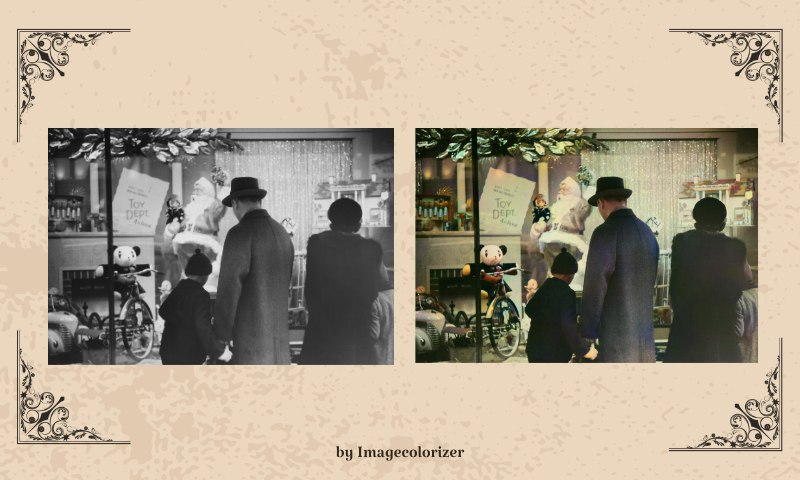
When families see colorized Christmas photos, waves of memories often wash over them. Seeing departed loved ones brought back to life in vivid hues brings joy; the sudden reawakening of bygone Christmas mornings to their original vibrancy stirs profound nostalgia.
For many, this process rekindles emotional bonds—especially between grandparents and grandchildren who never met. The transformative power of restoration technology never ceases to amaze: colorization bridges decades, turning history into living family memories.
Additional Enhancements to Make Photos Feel "New" Again
Once your picture is colorized, several enhancements can help it feel even more vibrant and contemporary. You can remove scratches, sharpen faces, increase vibrance, or add a soft Christmas glow for warmth. Holiday frames can add a festive touch to the photo, and restoration tools can help recover missing details. Together, these upgrades transform your image into a fully modern, print-ready masterpiece.

Conclusion
Colorizing old family Christmas pictures is more than a digital transformation — it's an emotional revival. With one click, you can bring back the sparkle in someone's eyes, the richness of holiday décor, and the warmth of moments that shaped your family's history.
Thanks to today's AI technology, anyone can restore holiday memories in seconds — no skills required, no expensive software needed. Whether you're preparing a Christmas gift, rebuilding a family album, or reconnecting with the past, colorization offers a beautiful way to honor your loved ones.
Revive your memories. Share them proudly. Make this Christmas a celebration of where you've been and who you still hold close.