The Ultimate Guide to Restoring Old Photos with AI Tools
This guide explains how AI-powered photo restoration tools can repair, enhance, and colorize old photographs in just a few clicks.

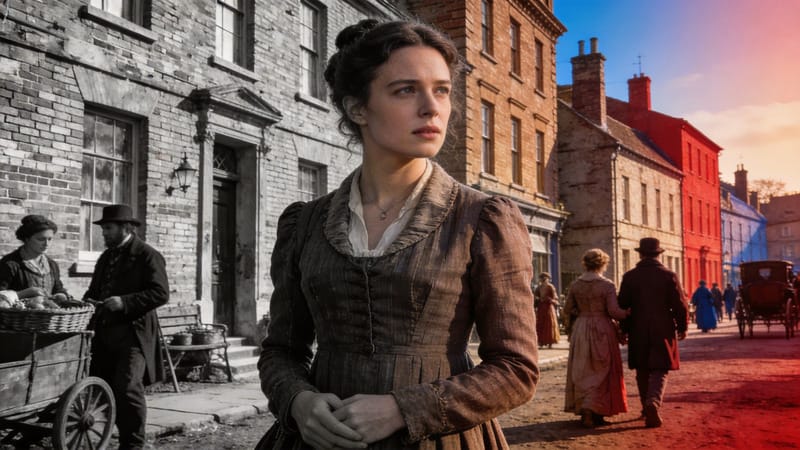
Old photographs hold memories that cannot be replaced. Over time, however, these images can fade, tear, or lose their original detail. Thanks to modern technology, restoring these photos is no longer limited to professionals. AI-powered tools have made it simple for anyone to repair, enhance, and even colorize old pictures with just a few clicks.
In this guide, we’ll explore how AI is transforming photo restoration and how you can get the best results while keeping your images safe.
Why Old Photo Restoration Matters
Photographs are more than just images; they are pieces of history. Whether it’s a family portrait, a childhood memory, or an archival image, restoring old photos helps preserve these moments for future generations.
Traditional restoration methods required advanced editing skills and hours of manual work. Today, AI tools can automatically detect damage, fix scratches, sharpen blurry areas, and add realistic colors to black-and-white photos.

How AI Photo Restoration Works
AI image restoration tools use machine learning models trained on thousands of images. These models understand patterns, textures, and details, allowing them to rebuild missing or damaged parts of a photo.
Here’s what most AI tools can do:
- Remove scratches and dust
- Repair torn or faded sections
- Enhance facial details
- Improve overall image clarity
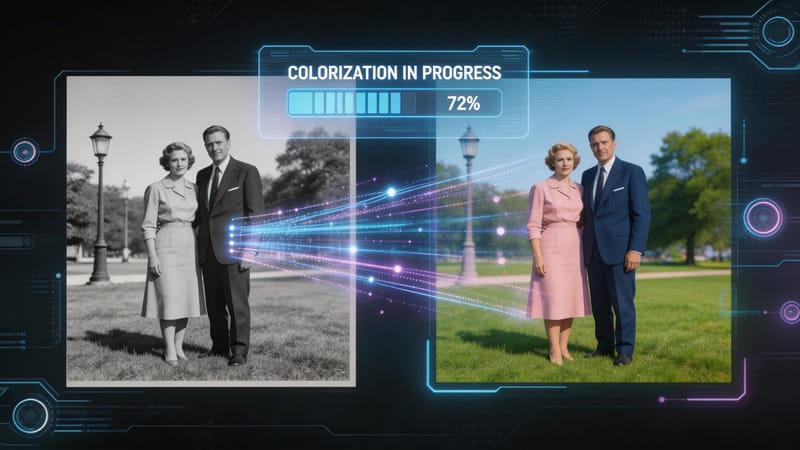
- Add natural-looking colors to black-and-white photos
Platforms like ImageColorizer specialize in making this process quick and user-friendly, even for beginners.

Tips for Better Restoration Results
While AI does most of the work, a few simple practices can improve your results significantly:
1. Start with the Best Scan Possible
Use a high-resolution scan of your original photo. The better the input quality, the better the output.
2. Avoid Over-Editing
It’s tempting to apply multiple filters, but subtle adjustments often produce more natural results.
3. Use Specialized Tools
Different tools are optimized for different tasks; some focus on colorization, while others are better for repairing damage.
4. Review the Final Image Carefully
AI is powerful, but not perfect. Always double-check the restored image and make minor corrections if needed.
Common Challenges in Photo Restoration
Even with AI, some challenges still exist:
- Heavily damaged photos may lose important details
- Incorrect colorization in complex images
- Over-smoothing that removes natural texture
Understanding these limitations helps set realistic expectations and ensures better outcomes.
Keeping Your Images Safe While Using AI Tools
When restoring photos online, you are usually required to upload your images to a cloud-based platform. While most reputable tools are secure, it’s still important to be mindful of how your data is handled.
If you are working professionally or dealing with client images, it’s a good idea to follow structured practices similar to using an IT compliance audit checklist to ensure that the tools you use meet proper data protection standards. This doesn’t have to be complicated; simply choosing trusted platforms and understanding their privacy policies can go a long way.
The Future of Photo Restoration
AI technology continues to evolve, making photo restoration more accurate and accessible. In the future, we can expect:
- Even more realistic colorization
- Better reconstruction of heavily damaged photos
- Faster processing times
- More control over editing details
These advancements will make it easier than ever to preserve and enhance old memories.
Final Thoughts
Restoring old photos is a meaningful way to reconnect with the past. With the help of AI tools, what once required professional expertise can now be done in minutes. By using the right techniques and choosing reliable platforms, you can bring your old photographs back to life while keeping them safe and secure.
Whether you’re restoring a single family photo or working on a larger project, AI makes the process simple, efficient, and accessible for everyone.