How to Enhance Old Family Videos and Bring Memories Back to Life

What's a cherished memory that comes to mind right now? When we revisit these treasured memories, it's as if everything is right before our eyes again. Are the videos you recorded in the past clear?
Can you make out those important details? Early recordings may have become blurry, faded, or grainy due to filming conditions or equipment limitations. When we want to share these wonderful memories again, the resolution may be further reduced due to platform compression.
How can we make these precious memories clear again? AI might offer a solution—let's explore it together!

Why Old Family Videos Look Blurry and Low-Quality
Many older videos were recorded before HD and 4K became widespread. Early recording devices had certain limitations. Examples include VHS tapes, early camcorders, DVDs, older cell phones, and low-cost digital cameras.
Common issues with older videos include low resolution, blurry details, digital noise, faded colors, improper exposure, low contrast, compression artifacts, shaky footage, interlacing, and poor file preservation. The loss of important details can diminish the emotional value of home videos.
For example, what makes a birthday video special isn't the resolution, but the people who were there, what they were doing, and their expressions and voices at that moment. AI video enhancement can make our memories clearer.

What Is AI Video Upscaling?
AI video upscaling is a technology that enhances the visual resolution and image quality of video footage. Traditional resizing involves stretching a smaller video to fit a larger frame. If we use basic scaling methods to enlarge a 480p video to 1080p, the video will become larger. Still, details that were already unclear may become even more blurry.
The AI model used in AI video upscaling analyzes the visual information in each video frame and utilizes learned patterns to infer and reconstruct additional details. Depending on the source material and the enhancement model used, the resulting output is often clearer, sharper, and more detailed than that achieved through traditional resizing.
This technology is particularly useful for old home videos when we need to adapt low-resolution footage for modern display devices.
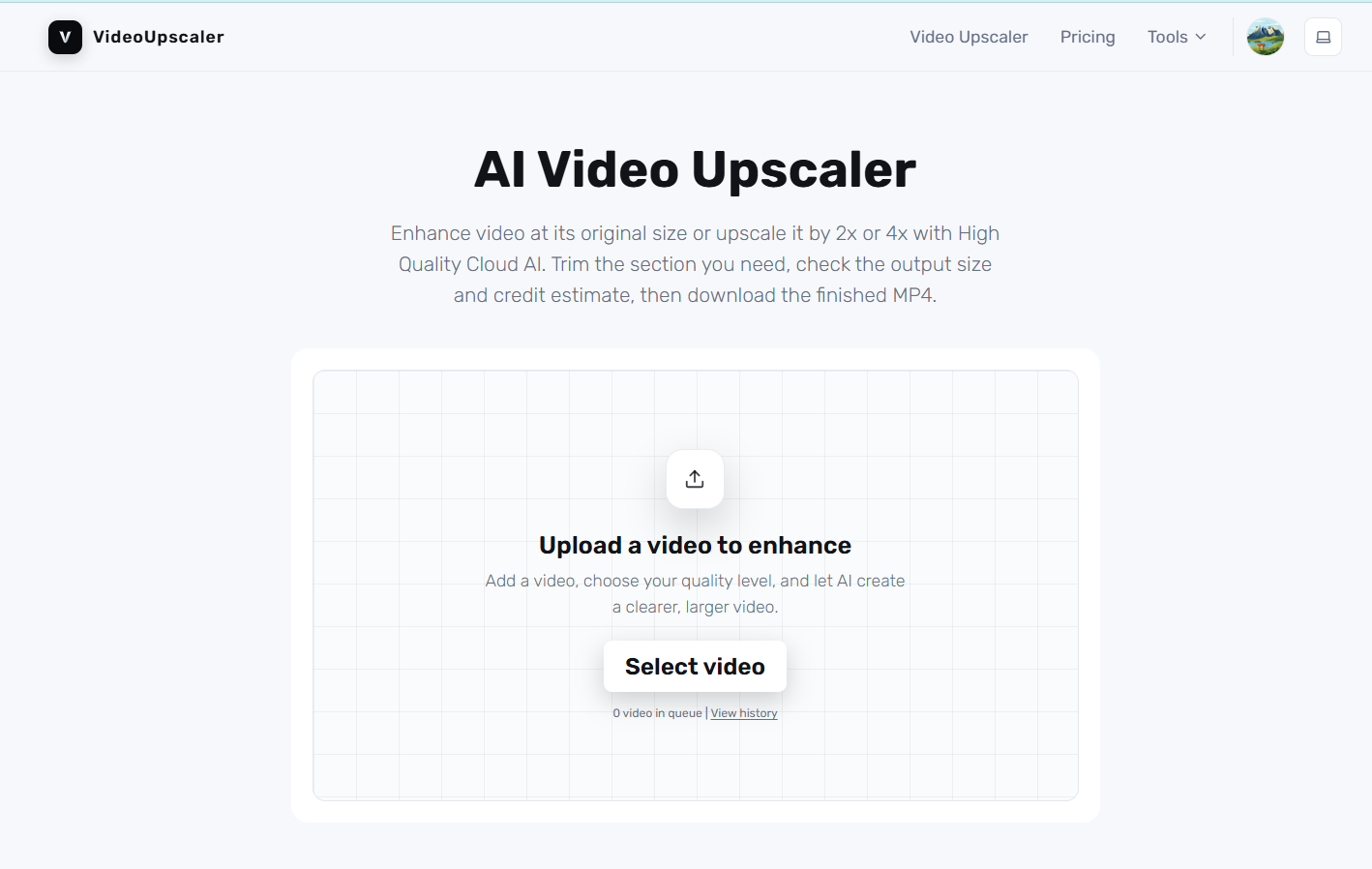
How to Enhance Old Family Videos With AI
Find the Best Original Copy
Before processing, we need to identify the highest-quality version available. If a home video exists in multiple formats—such as the original digital camera file, a memory card, a hard drive, a DVD, and a file downloaded from social media—the original file is usually the best place to start.
Create a Backup Before Editing
Do not treat the enhanced version as a substitute for the original. We recommend keeping at least two copies of important home videos. The original should remain unchanged, while the enhancement process should be performed on the copies. This way, we can freely experiment with different settings without risking the loss of irreplaceable family memories.

Examine the Video's Biggest Problems
Before editing a video, we should watch it carefully from start to finish. Identify the main issues with the video. Is it the resolution? Is the image too dark? Are the faces blurry? Is there too much noise?
Are the colors faded? Was the camera shaking throughout the shoot?We can choose the appropriate optimization method based on the video's main issues.For example, increasing the resolution won't automatically correct severe underexposure. Similarly, over-sharpening may make a noisy image look even worse.

Upscale the Video
Once we have a clean source copy, video upscaling can increase its resolution for modern viewing. This is particularly useful when converting older footage for HD displays.
A small 360p, 480p, or similarly low-resolution recording can look noticeably better after intelligent upscaling because the resulting frame contains more pixels and AI-generated detail.
For precious family footage, we should compare the enhanced result with the original rather than assuming that maximum enhancement is always best.
Video Upscaling for Windows
For users looking for a simple way to improve the quality of low-resolution videos on their computers, "Upscal" is a tool worth trying. The app is available for download on the Microsoft Store under the name "Upscal – Video Upscaler & Enhancer".
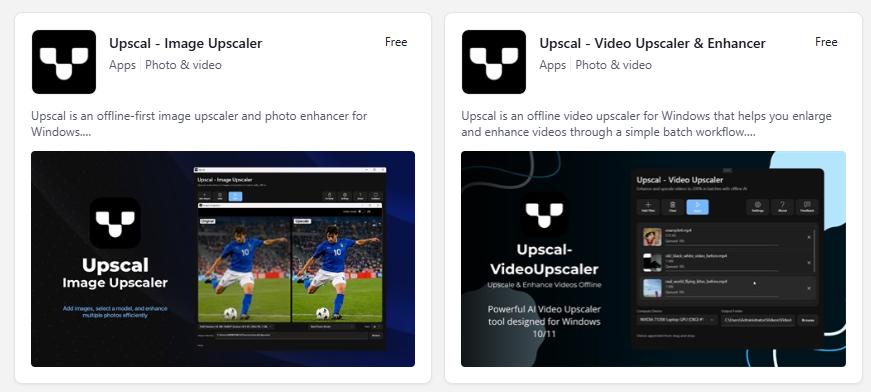
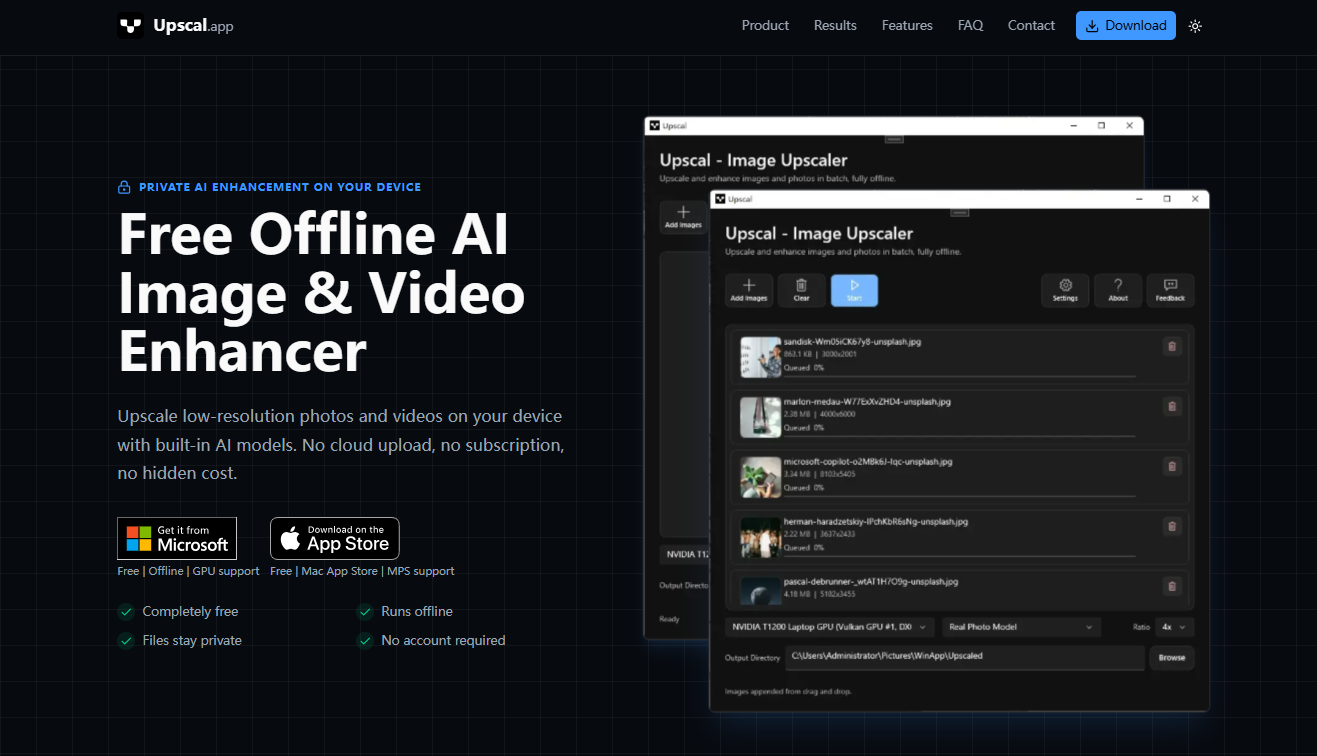
It is specifically designed to upscale and enhance video footage on Windows systems. An iOS version is also available for download on the App Store. What sets it apart is its ability to process videos offline—a key feature given the extra privacy concerns surrounding home videos.
In addition, Upscal offers a variety of processing models to choose from, delivering even better visual results.
 Vertexshare Ltd
Reduce Noise Without Destroying Natural Detail
Old video footage often exhibits noticeable grain and noise. Noise can stem from the original camera sensor, low-light conditions, analog recording, digitization, or repeated compression.
Reducing noise can make faces, clothing, backgrounds, and objects easier to recognize. However, we should avoid making the image appear unnaturally smooth. If noise reduction is too aggressive, skin may look plastic-like, and fine details may be lost. Our goal is to make the memories in the video clearer while preserving the original footage's authentic character.

Improve Brightness and Contrast
Some home videos are shot in low-light indoor settings. For example, during a birthday celebration, the birthday cake may be clearly visible. Still, the faces of the people around it may be hidden in shadows.
A child might be standing next to a bright window, causing their face to be underexposed. We can adjust the image's clarity by tweaking contrast and brightness. In scenes where people are the main focus, restoring shadow detail can lead to unexpectedly significant improvements.

Restore Faded Colors
Color is another important aspect of how we experience old footage. As time passes, the colors in old videos begin to fade. They may appear yellowed, dull, faded, or inconsistent. Moderate color correction can make the footage look more harmonious.
For example, when restoring home videos from the 1990s, there's no need to make them look like modern Hollywood blockbusters. Natural colors are often more moving than overly saturated ones.
Sharpen Faces and Important Details
When restoring home videos, faces are usually the top priority; clearer faces make it easier to recognize people, especially in old, blurry footage. Other important details may include clothing, birthday cakes, family photos, pets, handwritten signs, and holiday decorations.
AI enhancement technology helps bring these details into sharper focus, but over-sharpening should be avoided. Therefore, we can select the appropriate optimization model based on the specific condition of the video.

How to Preserve Enhanced Family Videos for the Future
How to Preserve Enhanced Home Videos for the Future. A single hard drive is not enough to properly preserve these irreplaceable memories. We recommend keeping multiple copies in different locations and organizing them by year and event. This makes it easier to browse and search later—for example, "Christmas 1995" or "Family Vacation 1998."We can keep:
- Original Archive: Unmodified source files.
- Restored Archive: Enhanced videos with the highest possible quality.
- Shared Copies: Streamlined versions optimized for mobile phones, instant messaging, or social media platforms.
Final Thoughts
Old home videos shouldn't be forgotten in the corners of aging hard drives. Use AI video upscaling to optimize old footage and make blurry recordings clearer. Most importantly, we should remember what it is we're truly preserving.
We're not just optimizing pixels. We're preserving the people in those scenes. So let's dig out those old tapes. Let's restore those forgotten files. Let's make backups, optimize the videos, and secure a place for these memories in the future.